


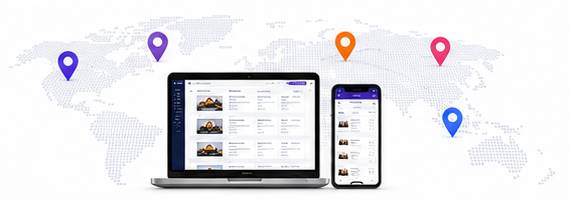
Start for Free with TVMedia, Enjoy Earning
Free for businesses. Manage your screens remotely, run your own content and share in ad revenue on eligible inventory. There is no subscription and no setup fee.
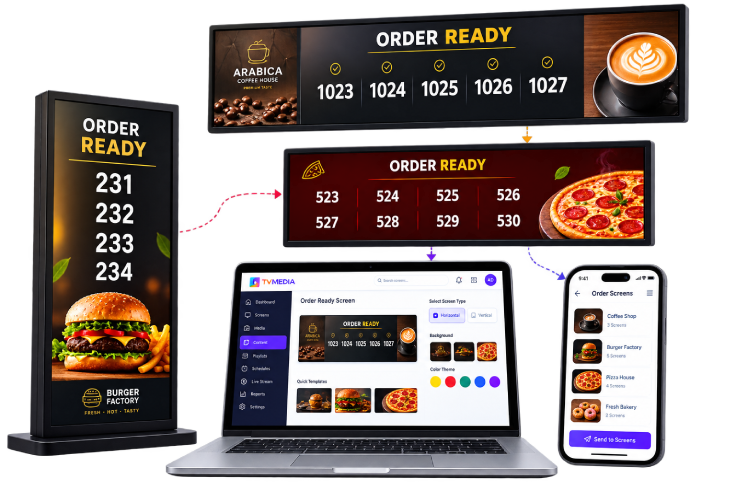
Who can apply?
Open to every public-facing business that meets customers.
Cafes & restaurants
Hotels
Shopping malls
Hospitals & clinics
Gas stations
Transit hubs
Entertainment venues
Other businesses
Add value to your screens with TVMedia. Start free and share in ad revenue.
Apply now
Fill out the form and our team will contact you shortly.
Why TVMedia?
No subscription or setup fee.
Earn from ad sharing.
Install on Android TV and go live.
Help with setup and use.
Stable remote management.
Frequently asked questions
Is TVMedia really free to use?
TVMedia is free if you choose the ad model and allow ads on your screens. There is no software subscription, no setup fee and no hidden charge, and you can earn from ad sharing on eligible screens. If you do not want ads, look at the ad-free Premium option.
How do I share in ad revenue?
Your own content stays on screen. When eligible ads run, revenue is shared. The amount depends on location, audience and ad fill, and is not a guaranteed figure.
Which screens are supported?
It runs on Android TVs. It will also be available on Samsung TV app stores soon.
How long does the application take?
Applications are usually reviewed within a few business days. Once your account is approved, download the app to your TV and start using it.
Do I manage my own screen content?
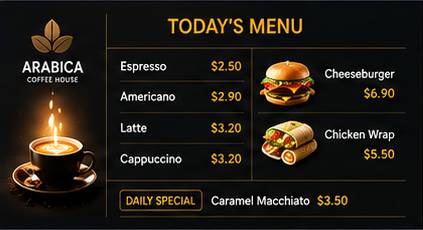
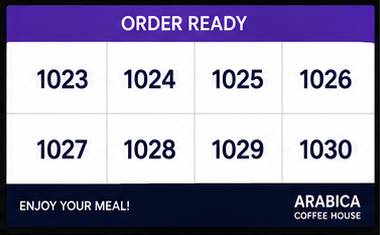
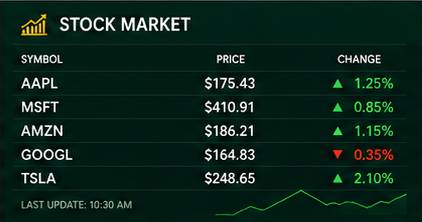
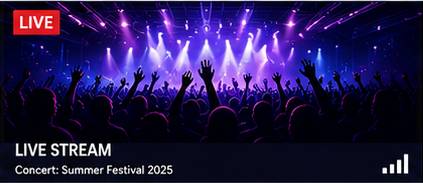
Yes. You manage menus, images, video, announcements and playlists from the cloud dashboard or your phone. Ad sharing runs on eligible screens alongside your content.
Is a contract or commitment required?
The free plan has no mandatory term or subscription lock-in. After approval you use your screens as you wish.
Take your business one step forward with TVMedia. Apply for free, start earning.