
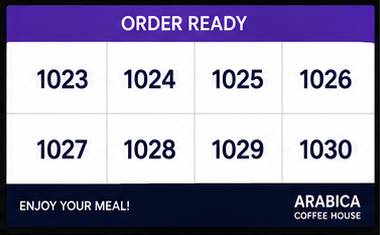


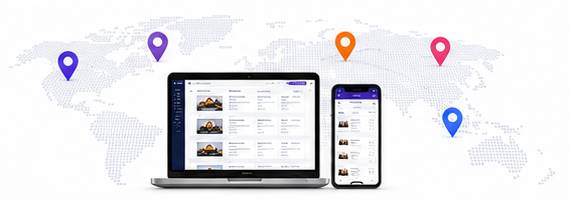
Order Ready Screens
Bring Your Orders to Screens in a Stylish, Dynamic and Effective Way
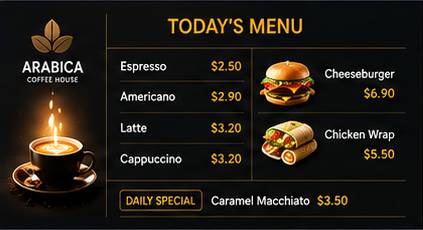
TVMedia order-ready screens offer a professional experience on landscape, portrait or multi-screen setups. Order numbers appear instantly and the customer experience gets stronger.
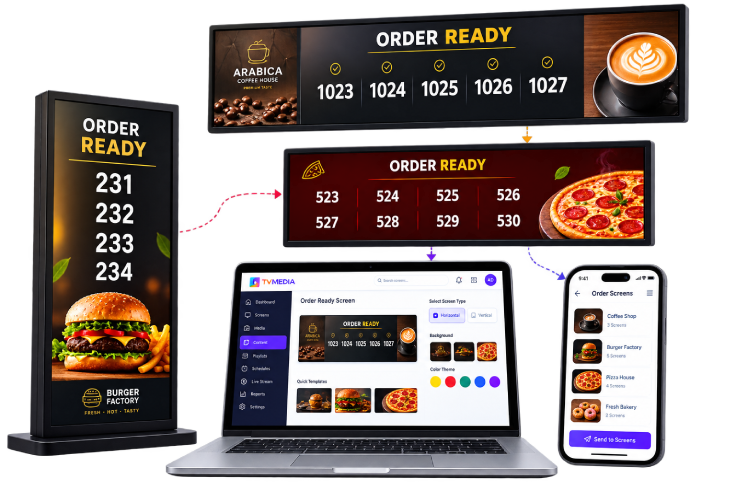
Create Your Own Design
Design, Publish and Manage in 4 Steps!
Create professional order-ready screens in minutes. Pick a template, match it to your brand and publish with one click.
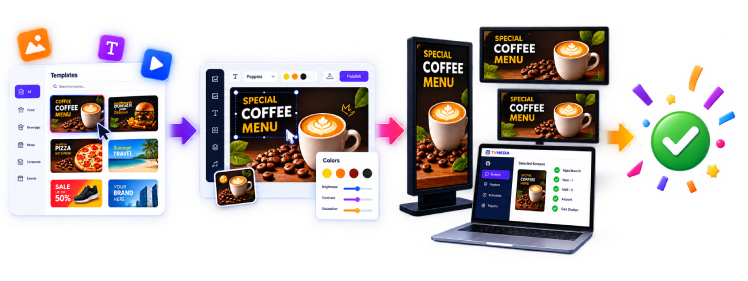
- 1 Choose a Template Pick a ready template that fits you, or start from scratch.
- 2 Edit the Design Customize colors, fonts, logo, background and layout to your brand.
- 3 Preview Check the design with landscape or portrait preview.
- 4 Publish Send to all your screens in one click and go live instantly.
Unlimited Design Options for Every Business
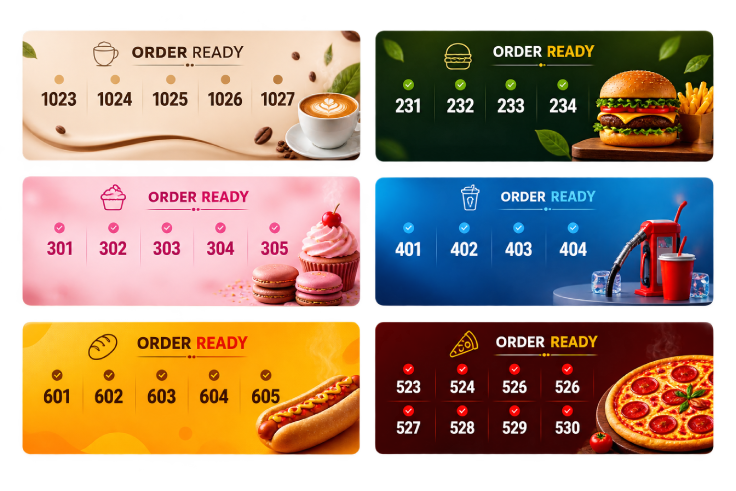
Industry-Specific Design Templates
Go live in minutes with templates made for cafes, restaurants, fast food, bakeries, gas stations and malls.
Cafes
Restaurants
Fast Food
Bakeries
Gas Stations
Malls
See All Templates
Live Order Integration
Connects to your order system so ready orders appear automatically.
Multi-Screen Management
Manage screens by group or location.
Scheduled Content
Publish different designs at different times.
Instant Updates
Order status reaches the screen in seconds.
Performance Reports
Track order and screen performance statistics.